Use Craft’s API to Build With Base44
Use Craft's API to build apps on Base44. Fetch your documents, sync content, and create custom tools powered by your Craft data.


Enabling the API for Documents
First, you have to enable the API in order for Craft to setup an API endpoint for your documents. Then, you use the API endpoint URL to connect to the server from Base44.
Step 1
Step 2
Step 3
Step 4
Step 5
Step 6
Using the API in a Base44 Prompt
Once the API is enabled for your Craft docs, you can now focus on writing a prompt that Base44 will use to generate your project.
In order for Base44 to see how to use the API and understand the structure of your document, you attach the AI bundle to your prompt. This bundle is a markdown document that contains the current content of your Craft doc as well as the API documentation.
Step 1
Step 2
Step 3
Now you can add a prompt to describe the app you want to build. Here is a very general example that can be used for testing:
Please create a website that visualises the content of my connected Craft docs. You find instructions on how to access this data and its structure in the attached file.
Step 4
Some Ideas to Get You Started
Browse App Templates
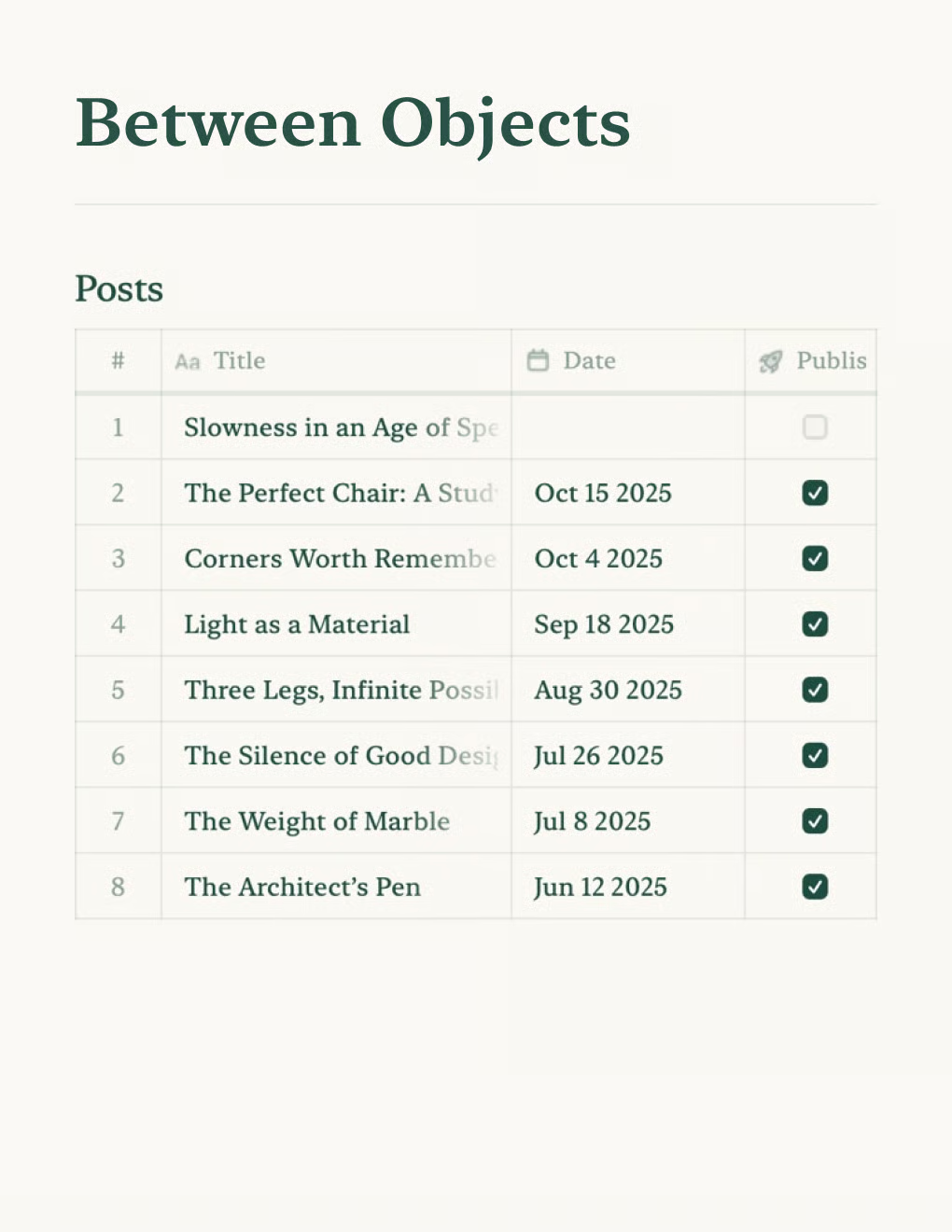

Build a personal blog powered by Craft docs. Auto-syncs content via API — publish from your notes app.
Learn more

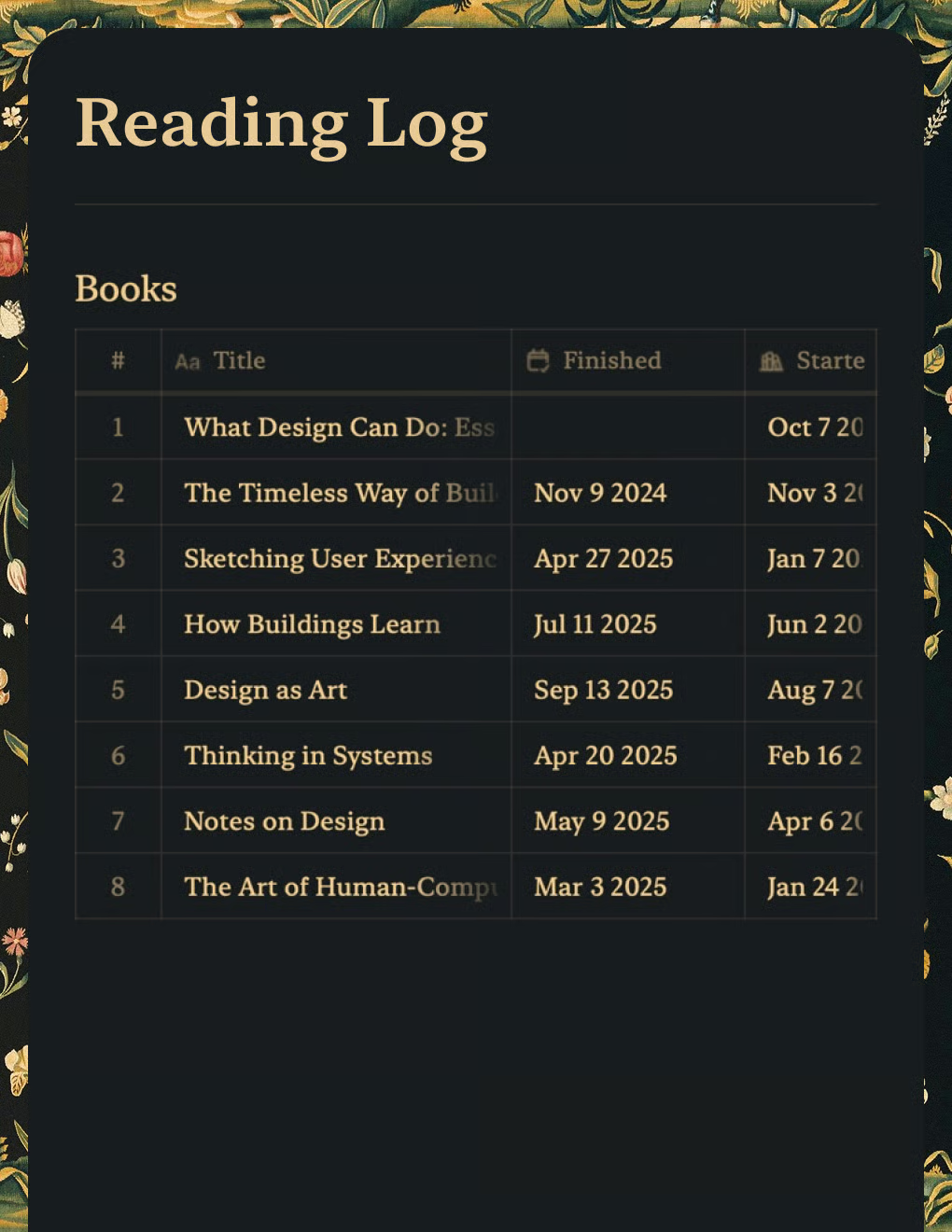
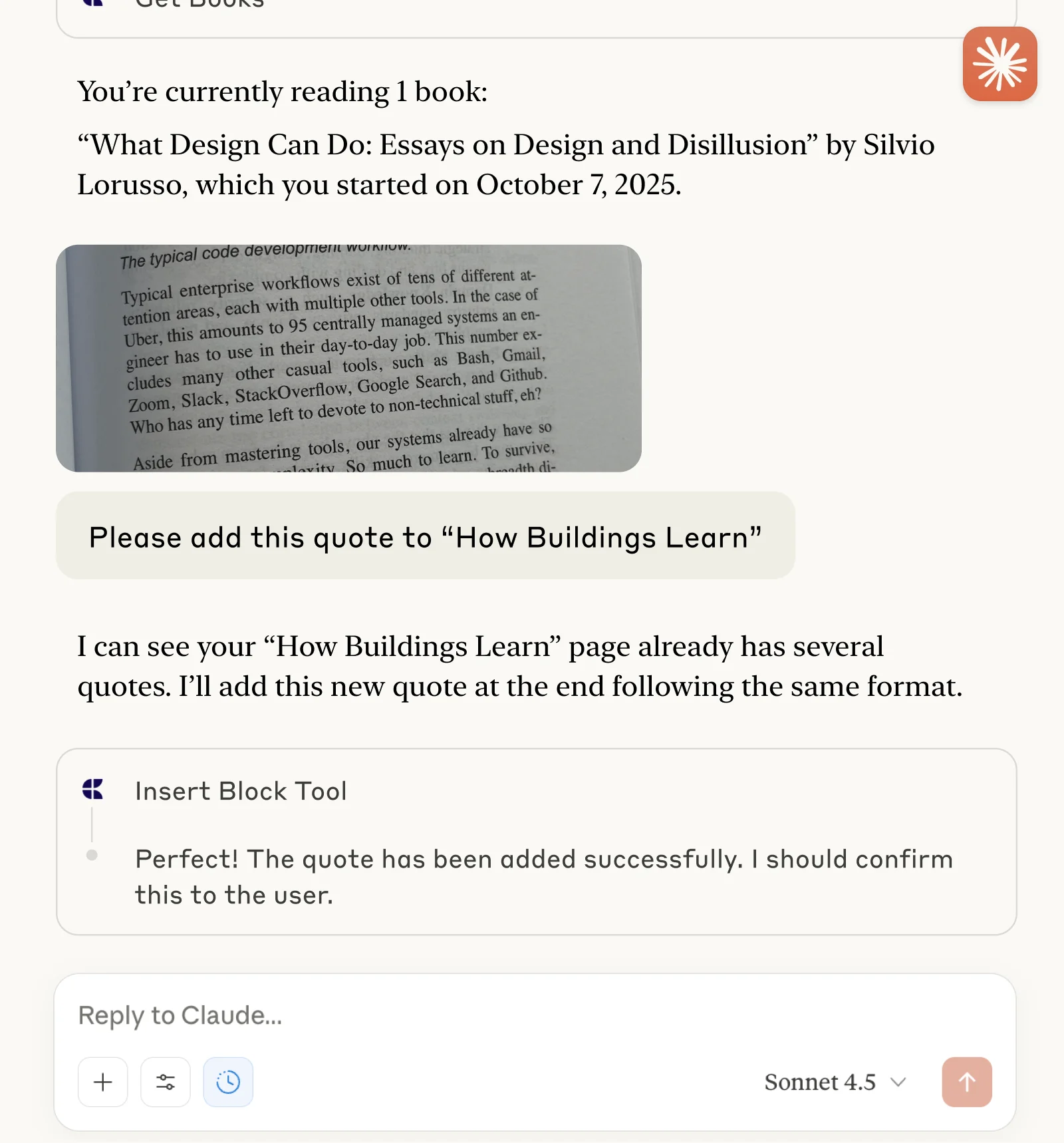
Track books and capture quotes with Claude or ChatGPT via MCP.
Learn more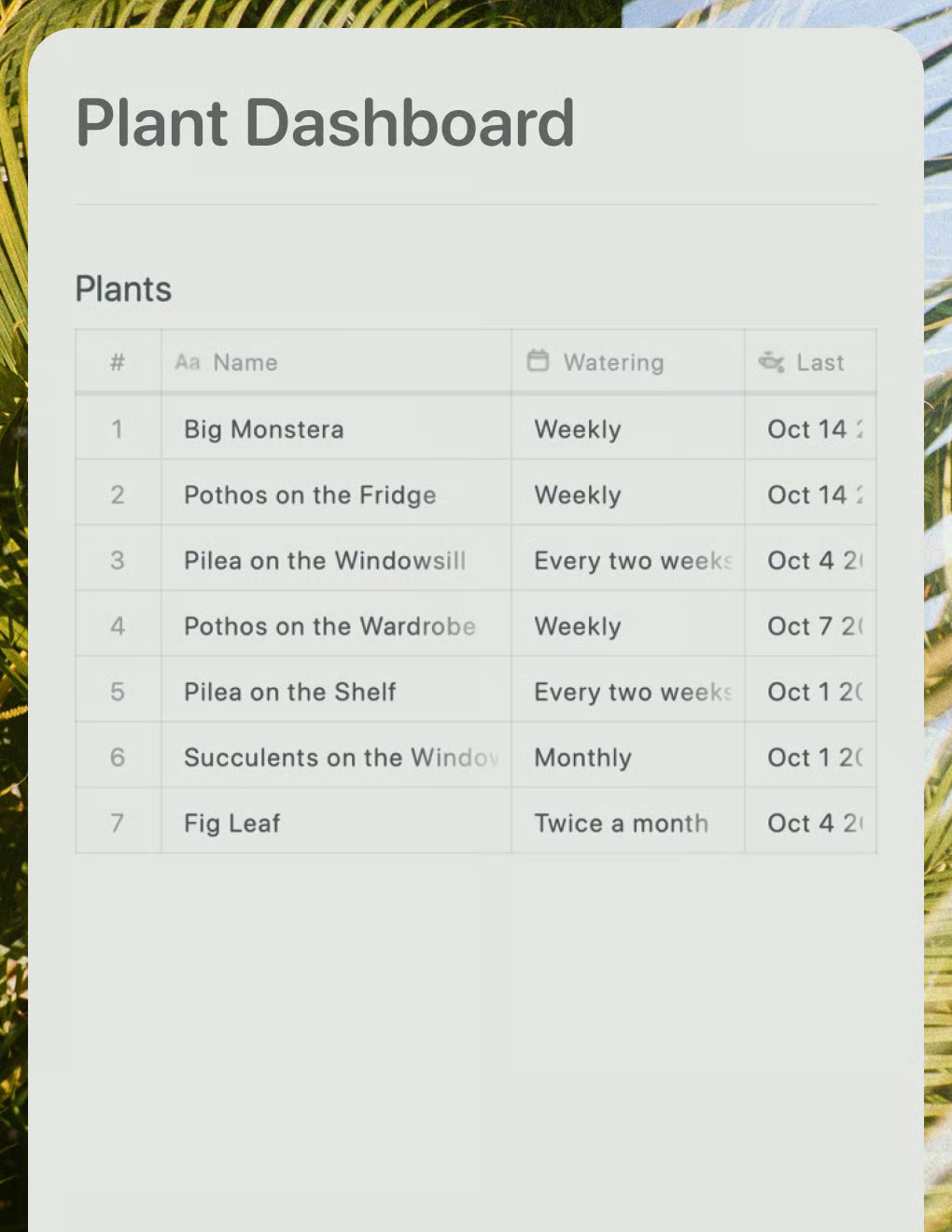
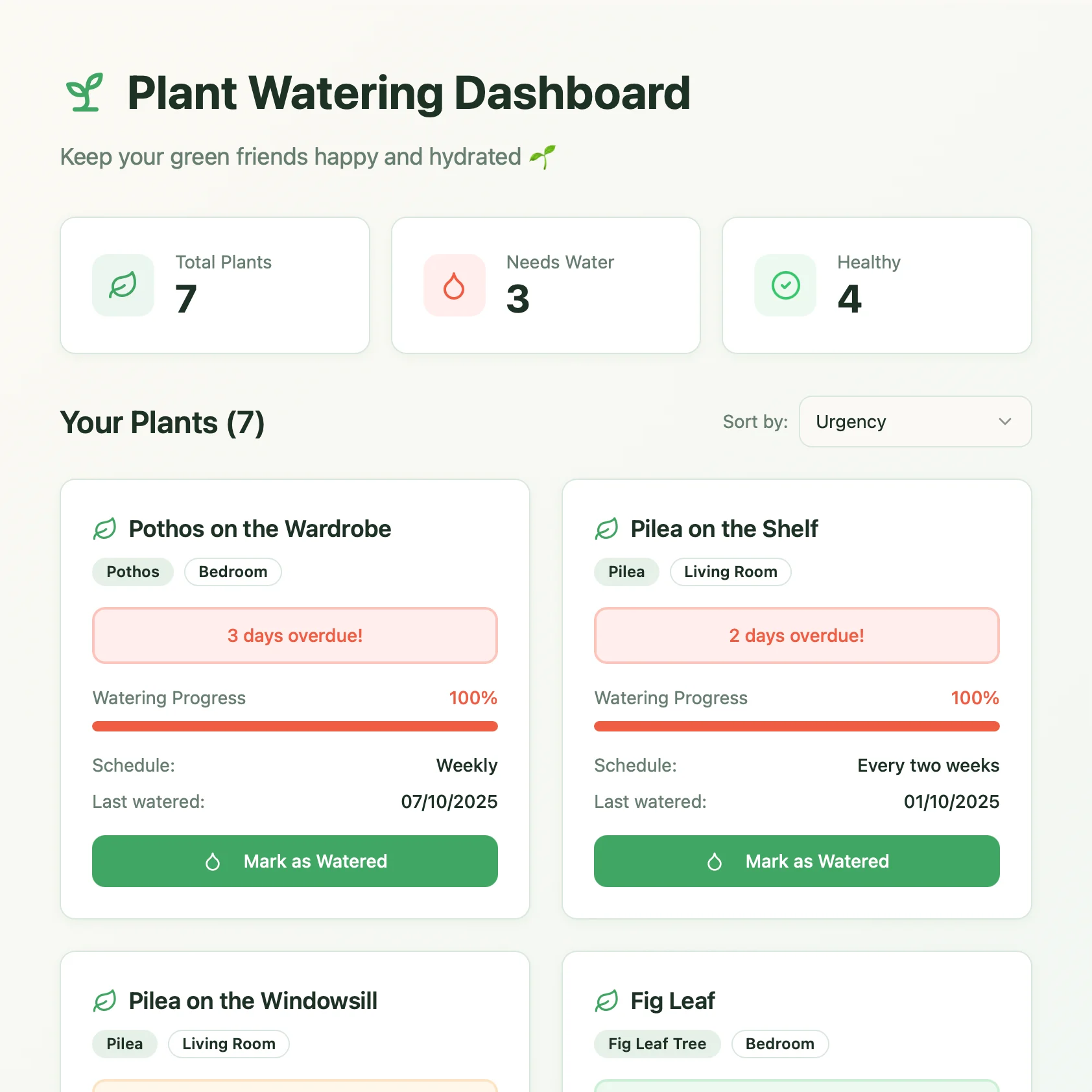
A live plant care dashboard built with Lovable. Pulls watering schedules and care tips from your Craft doc.
Learn more